
Correct link
Verify the exact location and review action.
Use the official Business Profile link, create a high-contrast code and test the journey on several phones before printing.
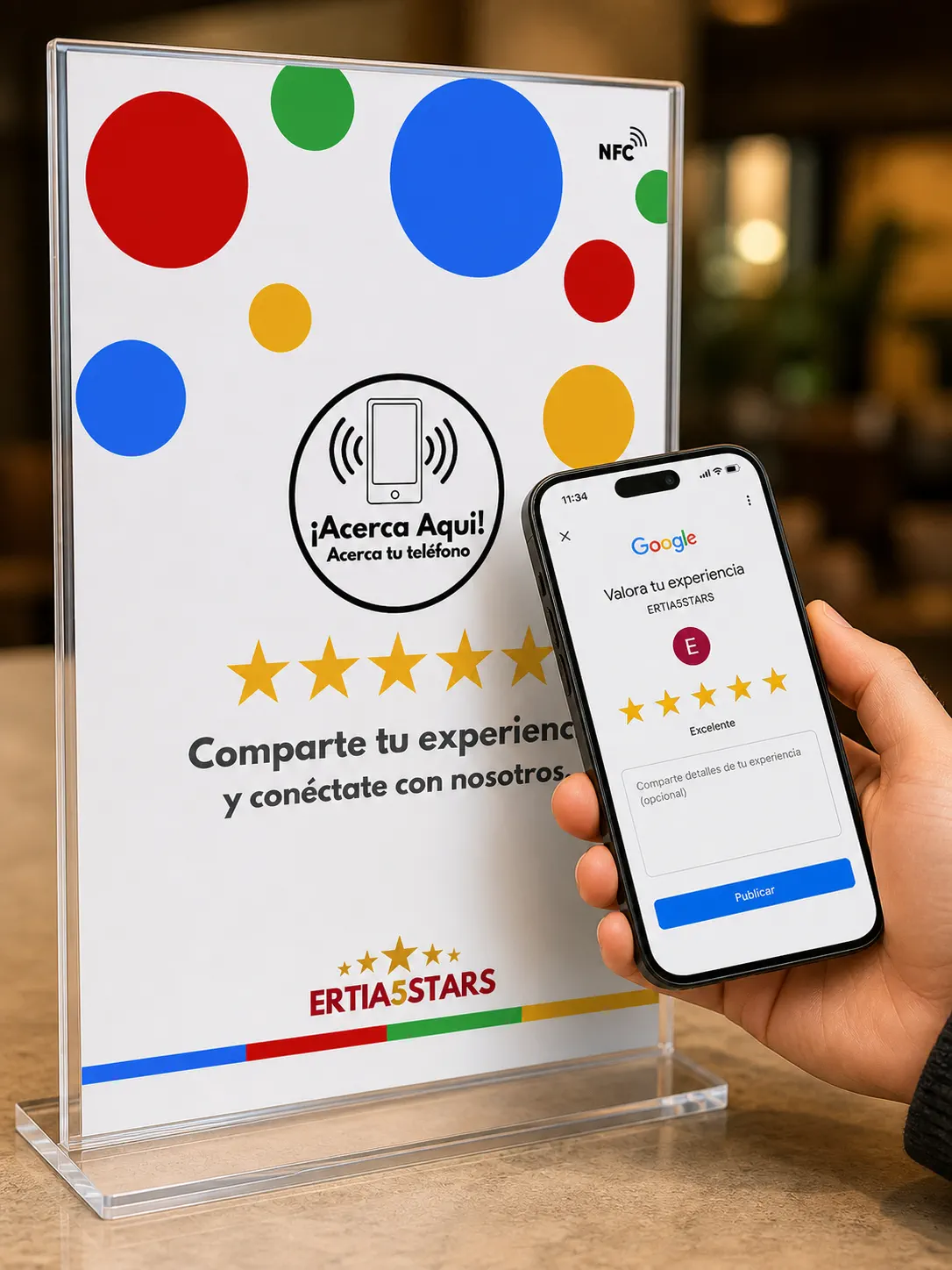
A dynamic QR lets you fix or change destinations without removing all printed material.
Verify the exact location and review action.
Use adequate size, contrast and quiet space.
Test devices and label each placement or campaign.
Place NFC and QR where a genuine customer experience naturally ends.
They reach the right destination in seconds, with no app to install.
Compare devices, times and locations from the dashboard.
Customers tap or scan and continue in their browser. Your team manages every destination from the Ertia5Stars dashboard.
Yes. Dynamic destinations can be updated without replacing the NFC item or reprinting the QR code.
Yes. Each location can have its own devices, languages, destinations and analytics.
We will help you select the right touchpoints, destinations and rollout for your business.